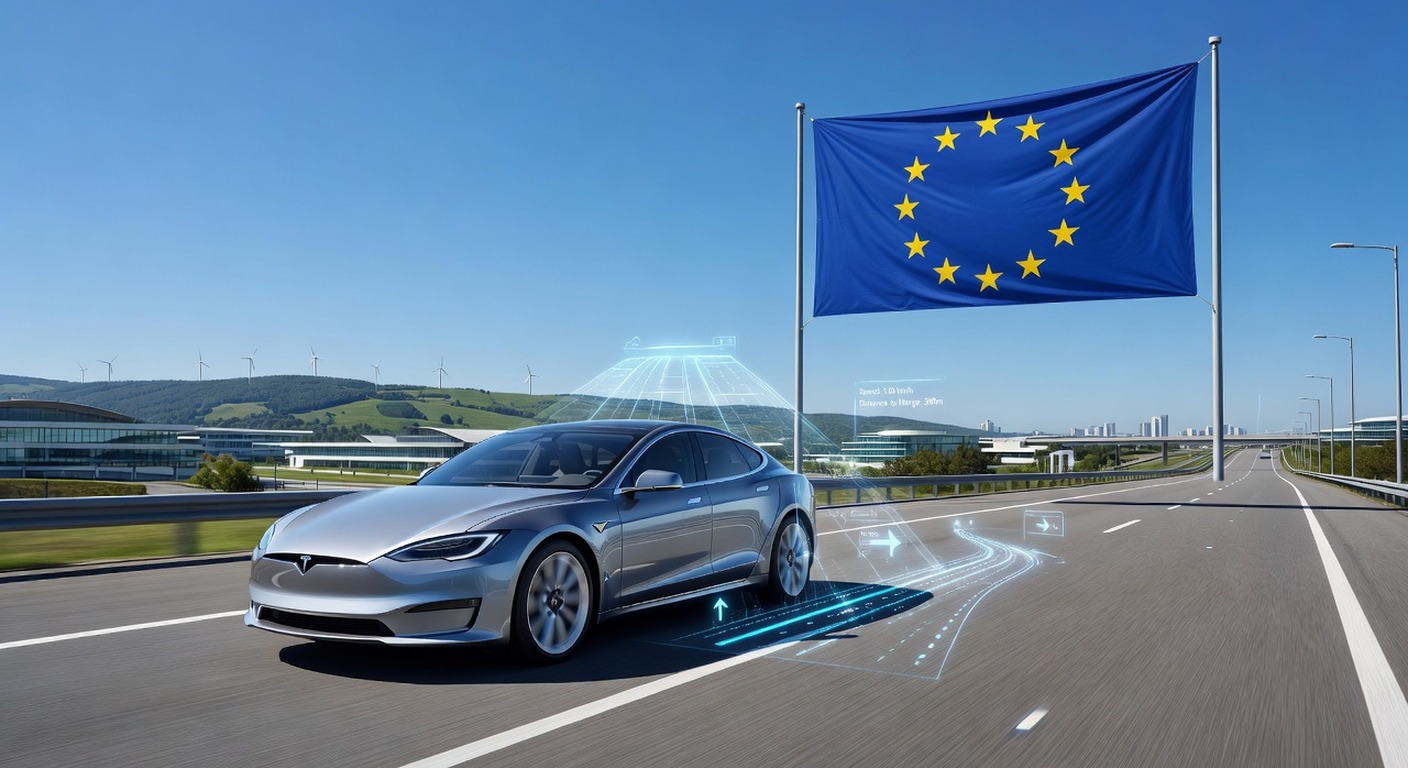
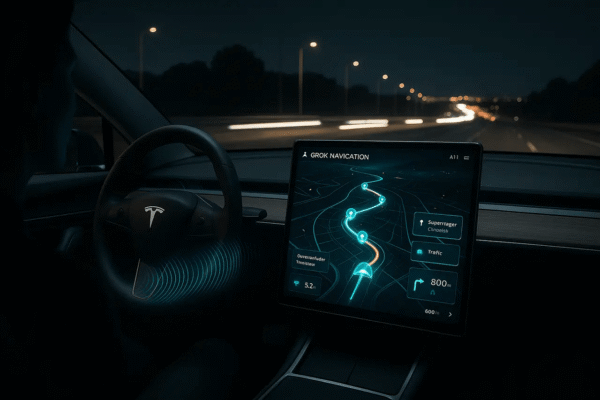
The 2026.2 update from Tesla introduced Grok Navigation Beta. This tool turns Full Self Driving into a true conversation with your car. You speak naturally, and the system handles routes while FSD keeps you moving safely under supervision.
Tesla owners now enjoy hands-free route changes that feel effortless. No more tapping the screen or typing addresses. Grok listens and acts right away.
What makes Grok Navigation Beta feel so magical for FSD?
Traditional navigation needs exact addresses or preset categories. Grok changes that. It understands everyday language and intent. This update rolled out widely in 2026.2.3 and 2026.2.6.
How does it pair with FSD driving?
Grok works alongside FSD Supervised. You activate FSD, then talk to Grok to adjust the path. The car stays on course while you focus on the ride. Early users say it feels like having a smart co-pilot.
How do you activate Grok Navigation Commands?
Getting started takes less than a minute. First, install the 2026.2.x update. Then open the app launcher and tap Grok. Or long-press the voice button on the steering wheel.
What settings do you need to change?
Set Grok's personality to Assistant. Other modes, like Storyteller, may block navigation. You also need Premium Connectivity or WiFi. Your conversations will stay private and anonymous to Tesla.
What voice commands turn Grok into your perfect navigation partner?
Grok handles basic trips and complex plans with ease. Here are real examples that owners use every day:
| Command Example | What Grok Does |
|---|---|
| Navigate to the best Thai restaurant near me | Finds top rated spot and sets the route |
| Add a Supercharger near the coffee shop | Suggests scenic stops and full itinerary |
| Plan a romantic sightseeing tour | Chooses a fun driving route |
| Take me to the nearest L2 charger | Inserts a waypoint and recalculates |
| Find a place with windy roads and hills | Chooses fun driving route |
| Change to the quietest path home | Adjusts for less traffic or noise |
FAQ
Is Grok Navigation Beta available in my country?
Does it work without FSD?
What if Grok misunderstands me?
Do I need extra hardware?
Are conversations stored?
This article is for informational purposes. Always refer to official Tesla communications and local regulators for the latest details.